Profile
Your name, your password and the theme.
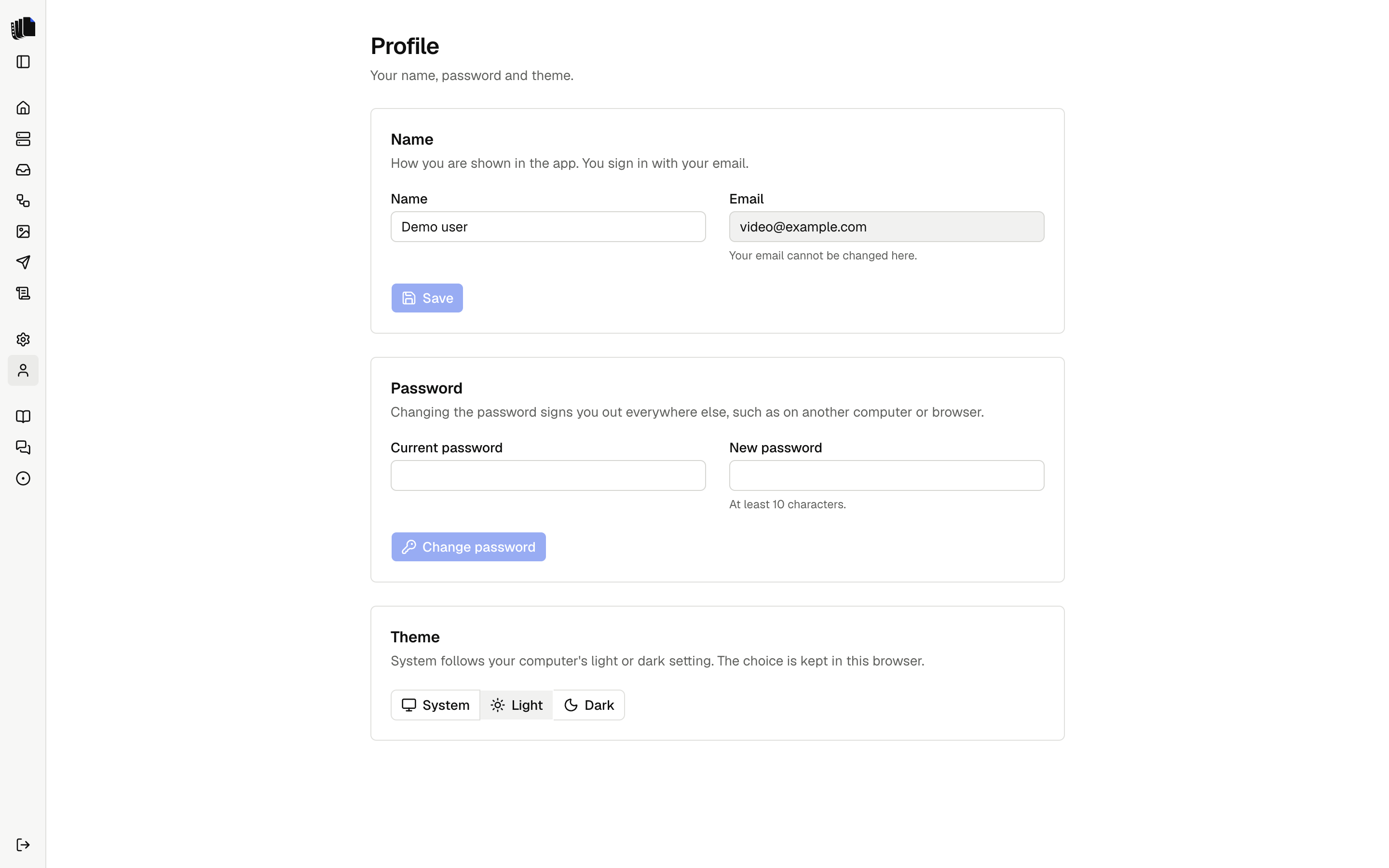
Profile, in the sidebar under Settings, holds what belongs to you rather than to the whole app. Sign out is at the bottom of the sidebar.
Name
The name is how you are shown in the app. Change it and select Save. The email is the one you sign in with. It is shown, and cannot be changed on this page.
Password
Type the current password and a new one of at least 10 characters, then select Change password. When it changes, every other session is signed out, such as one on another computer or browser. The session you are in stays signed in.
If the current password is wrong or the new one is too short, the page says so and nothing changes.
Theme
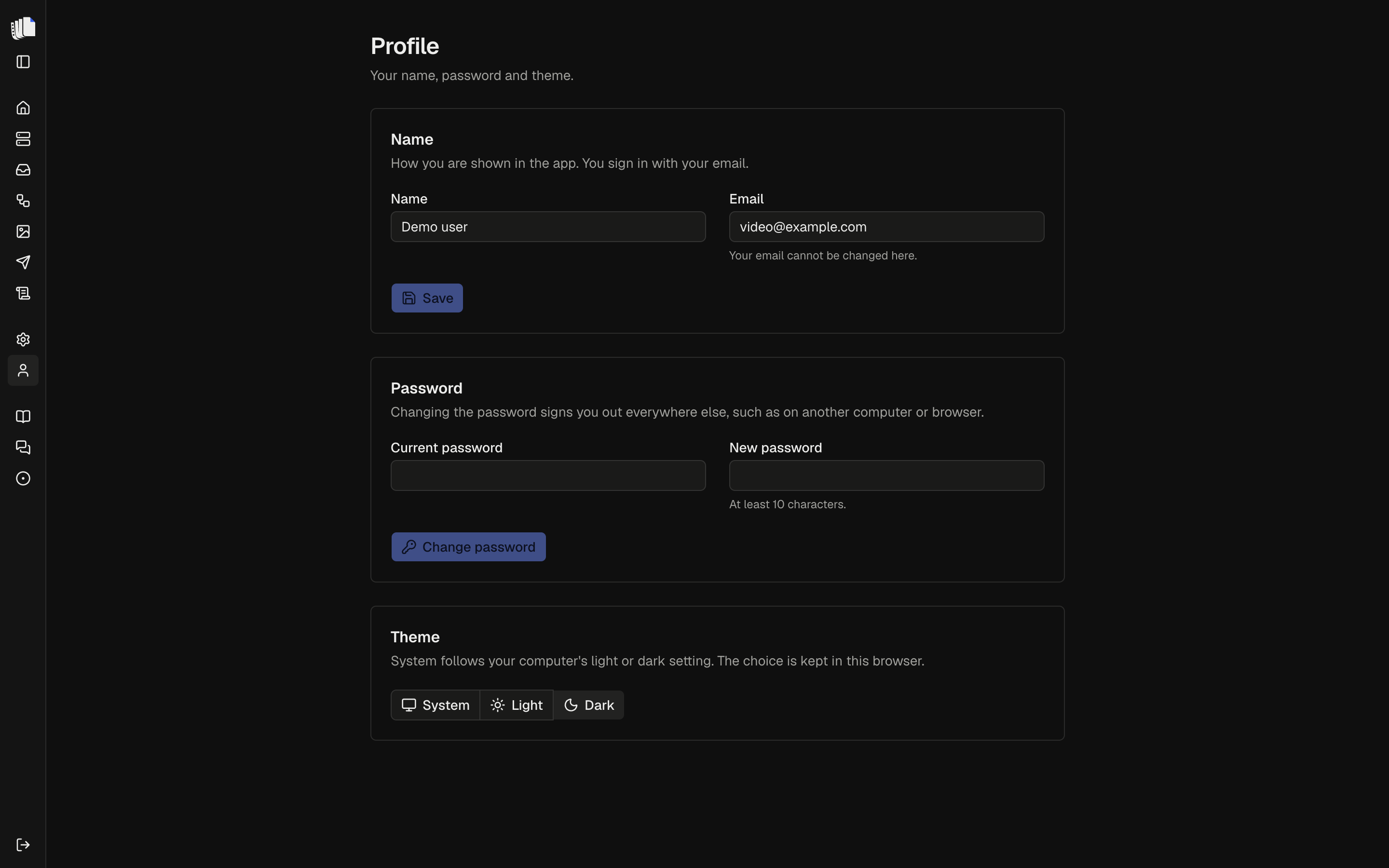
Pick System, Light or Dark. The choice applies at once and is kept in this browser. System follows the light or dark setting of your computer.