Job log
Every run of every job: what was read, what was delivered, what failed, and how long runs are kept.
The Job log lists every run of every job, newest first: the job and the version it used, the spooled file, what started it (Run now or the watcher), when it started, its status, and the files it delivered. Filter by job, status and date. Open a run to see its steps. Filtered to one job, the path at the top names the job, and Job log in the path opens the log without filters.
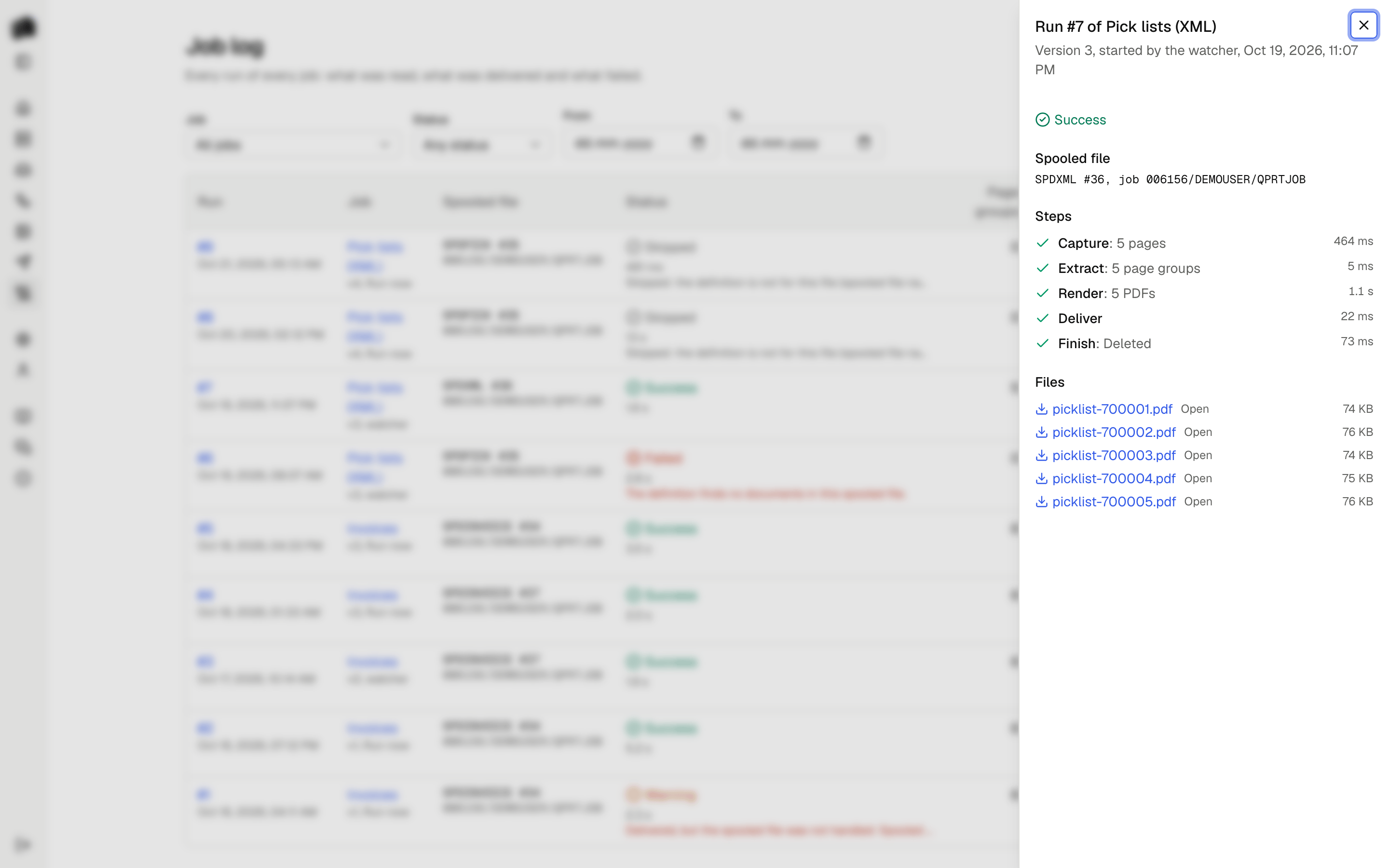
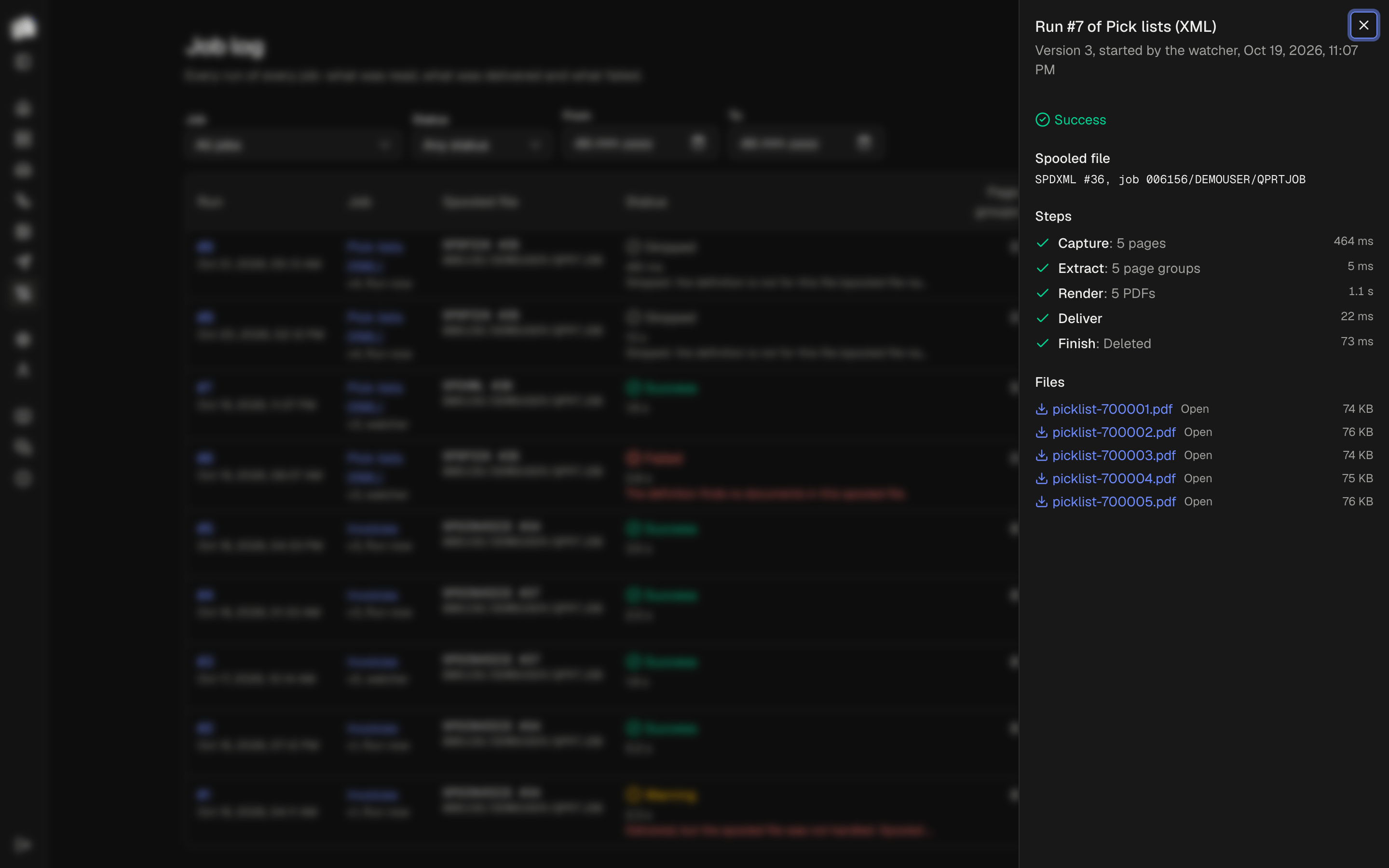
Statuses
| Status | Meaning |
|---|---|
| Running | The run is in progress. A run whose server stopped while it ran is marked failed within a few minutes. |
| Success | Every document was delivered and the finish step did what it should. |
| Warning | The documents were delivered, but the finish step failed: the spooled file is still where it was. Hold, move or delete it by hand, or retry. |
| Failed | A step failed before anything was delivered. The error names the step and the cause, with secrets removed. The spooled file is left alone. |
| Skipped | The spooled file does not pass the definition's match rules, so it is not one the job is for. It is left alone. |
Failed and warning runs appear under Needs attention on the Home page until they are dismissed, as do servers that cannot be reached, jobs whose watcher reports an error, and queues that are polled because real-time watching stopped. What fails before a run exists, such as a server the watcher cannot reach, is also in the server log.
Runs cut off by a restart
A running run touches its heartbeat every 30 seconds. When the server stops in the middle of a run, the heartbeat stops too, and the watcher marks the run failed once the heartbeat is 3 minutes old, with "The run was cut off". Retry it to run the file again.
Steps
| Step | What it does |
|---|---|
| Capture | Reads the spooled file and stores it as a sample. |
| Extract | Matches the file against the definition and reads its page groups. |
| Render | Checks each template, then makes the document of each page group with it, in the template's formats, with Carbone. An Excel template of the whole spooled file makes one document of all of them. A failed render shows Carbone's own text under Details. |
| Deliver | Hands every file to the destination. |
| Finish | Holds, moves, deletes or leaves the spooled file. |
Each step is recorded with its outcome, so a run shows where it stopped. The captured sample and the delivered files stay with the run while it is kept. When the job has more than one template, the run's files are grouped by template. The log's Page groups column counts what the definition found.
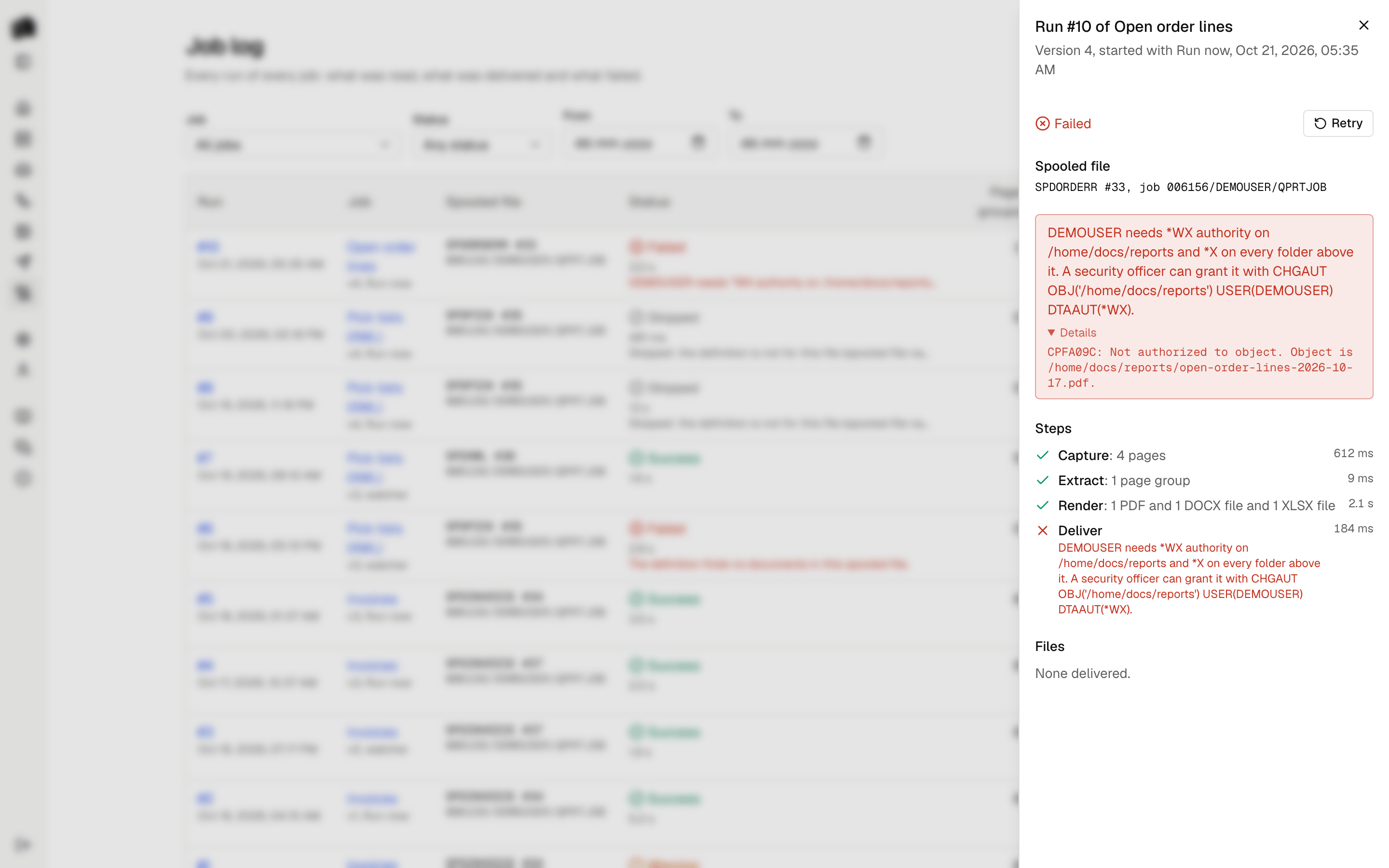
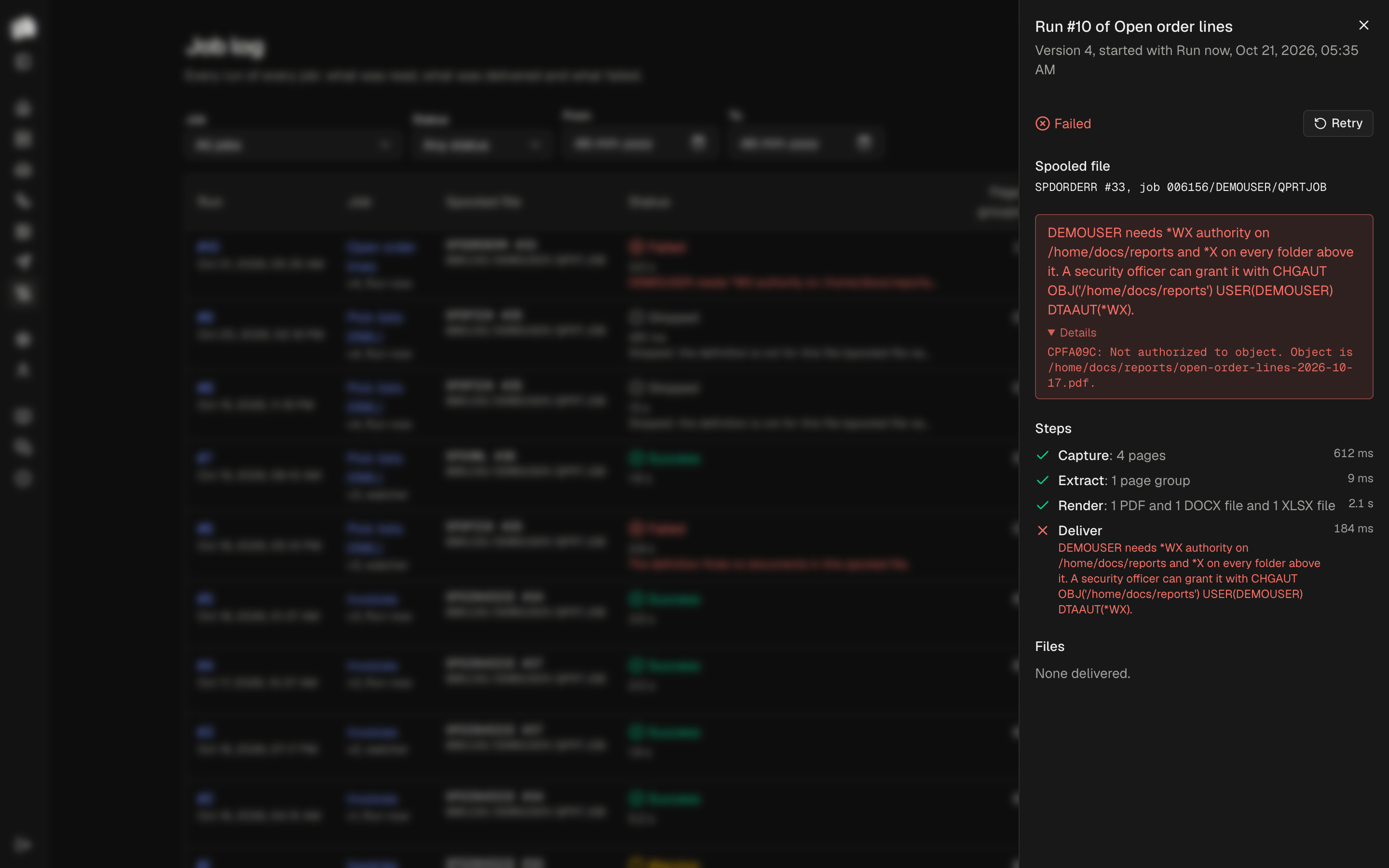
Retry
Retry runs the same spooled file again with the job's active version, as a new run. Use it after fixing a definition or a template, or after a finish step failed. Spooldoc remembers which spooled files a job has processed, so the watcher never runs a file a second time on its own.
Retention
Settings holds how long runs are kept: 90 days by default, 1 to 3650. Once an hour the watcher deletes runs that finished longer ago, with their captured spooled files and delivered files, preview samples no job uses, uploaded Word and Excel templates that no draft or version uses, and the agent's usage records from before then. The record of which spooled files were processed is kept, so a file is not run again after its run is gone. Runs are deleted in small batches so no single delete holds its locks for long.